
VPN Best Practice — Always Use a Domain Name.
Using a domain name for your VPN endpoint (WireGuard, OpenVPN, or IPsec) instead of a public IP boosts reliability. DNS ensures clients survive IP changes, eases migrations, supports IPv6, and simplifies management.


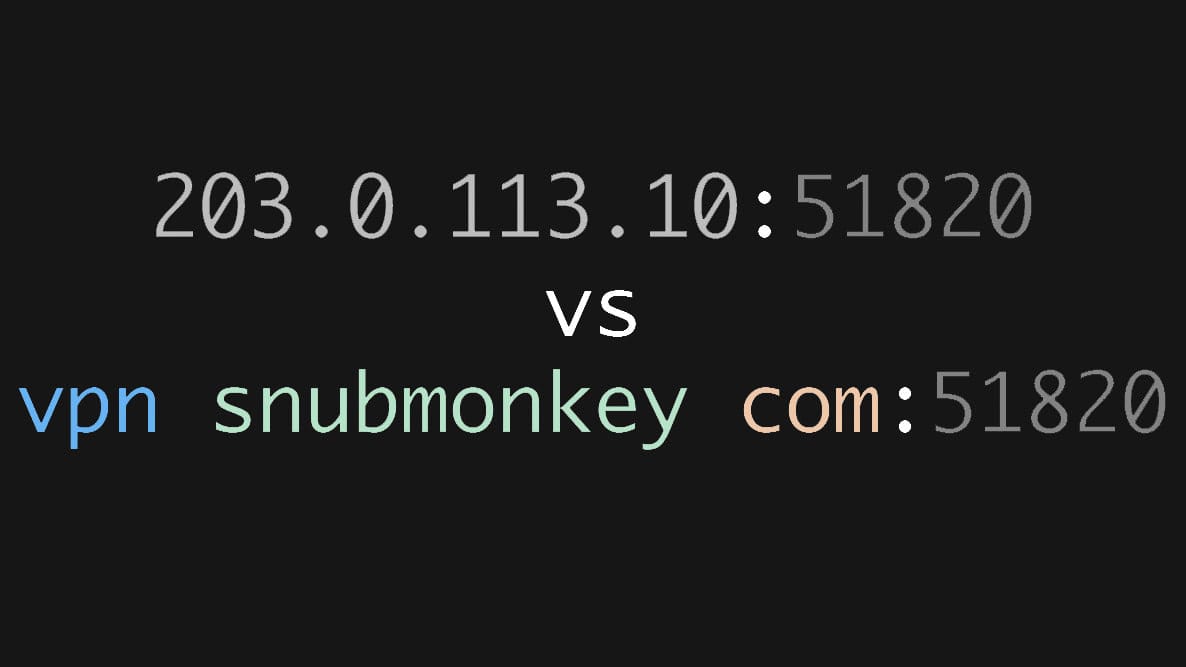
When configuring a VPN, one of the most common mistakes is using a public IP address as the server endpoint. While it works, it introduces unnecessary maintenance and can quickly become a problem when your infrastructure changes.
A better approach is to configure clients with a Fully Qualified Domain Name (FQDN) instead of a static IP address.
Instead of:
Endpoint = 203.0.113.10:51820Use:
Endpoint = vpn.example.com:51820Although the difference appears minor, using DNS provides significant operational advantages.
Here is a breakdown of exactly why this method is superior:
Your Public IP May Change
Many residential and even some business Internet connections use dynamic public IP addresses. If your ISP assigns a new address, every VPN client configured with the old IP immediately loses connectivity.
When clients connect using a hostname, only the DNS record needs updating. Every client automatically resolves the new address without requiring configuration changes; and that's the key.
Simplified Server Migrations
Infrastructure evolves. You may move your VPN server from your home lab to a VPS, a cloud provider, or a different datacenter.
If clients reference a hardcoded IP address, every configuration must be updated.
With a hostname, the migration is transparent and smooth:
- Move the server.
- Update one DNS record.
- Clients reconnect to the new destination.
No client reconfiguration is required.
Better Scalability
Managing a handful of VPN clients is easy.
Managing dozens—or hundreds—is certainly not.
A hostname centralizes endpoint management, allowing all clients to continue using the same configuration regardless of backend changes.
Built for High Availability
If your primary VPN server fails, DNS can redirect clients to a backup server simply by updating the hostname's IP address.
This flexibility makes implementing disaster recovery and failover strategies considerably easier.
Dual-Stack Support: IPv6 Ready
An FQDN can simultaneously point to an IPv4 address (A record) and an IPv6 address (AAAA record), allowing clients to automatically connect using the best available protocol.
DNS can return either:
- An A record (IPv4)
172.16.254.1 - An AAAA record (IPv6)
2001:0db8:85a3:0000:0000:8a2e:0370:7334
Your clients automatically connect using the appropriate protocol without modifying their VPN configuration.
Cleaner and More Readable Configurations
Which endpoint is easier to recognize?
Endpoint = 198.51.100.42:51820vs:
Endpoint = vpn.example.com:51820Domain names are significantly easier to remember, organize, and troubleshoot than random strings of numbers.
Works Perfectly with Dynamic DNS
If your public IP changes regularly, Dynamic DNS services can automatically update your hostname whenever a new address is assigned.
Your VPN clients continue connecting to the same hostname while the underlying IP changes transparently.
Using an IP address works—but only until something changes.
Using a domain name makes your VPN infrastructure more resilient, easier to manage, and far more scalable. Whether you’re deploying WireGuard, OpenVPN, or IPsec, configuring clients with an FQDN is a small decision that can eliminate countless hours of future maintenance.
It’s a small change that pays dividends every time your infrastructure evolves.
Stay tuned for more.

